 Mertech
Data Security with Flex2SQL and BTR2SQL Connectivity Products
The most common reason for Enterprises looking to migrate from legacy Btrieve or DataFlex databases is the urgent need to address security and...


Migrate and run DataFlex applications with Oracle, MS SQL Server, PostgreSQL, MySQL & MariaDB.
Stuck in Crystal XI? Upgrade and use the latest versions of Crystal Reports with DataFlex applications.
Seamlessly convert from Btrieve transactional database to PostgreSQL, Oracle, and MS SQL Server.

Quickly build multi-protocol web services with the same API. Supports JSON-RPC, REST, SOAP, Thrift, and gRPC.



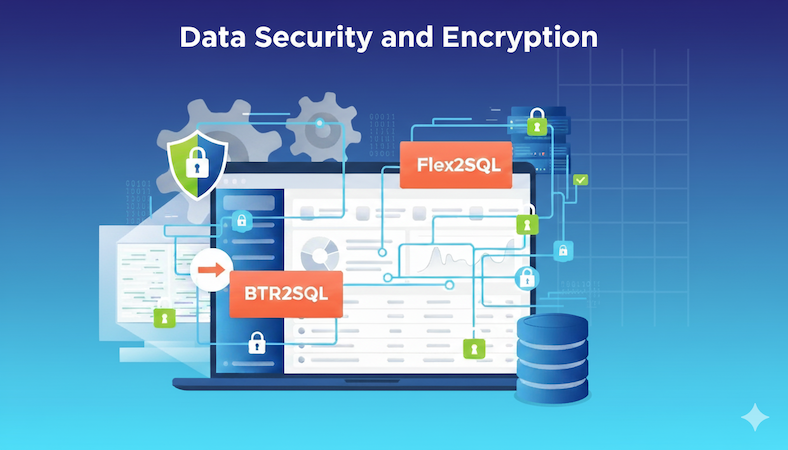
The most common reason for Enterprises looking to migrate from legacy Btrieve or DataFlex databases is the urgent need to address security and...
 Riaz Merchant: Oct 28, 2024, 6:12:41 AM
Introduction Many independent software vendors (ISV) and corporate users still rely on applications that use a category of database collective called...
 Riaz Merchant: Oct 18, 2024, 9:21:56 AM
COBOL applications are the foundation of numerous essential business functions, especially within the banking, insurance, and government sectors....